
After you login, you'll arrive at your Dashboard screen. If this is your first time logging in you may see a similar screen to the image below:
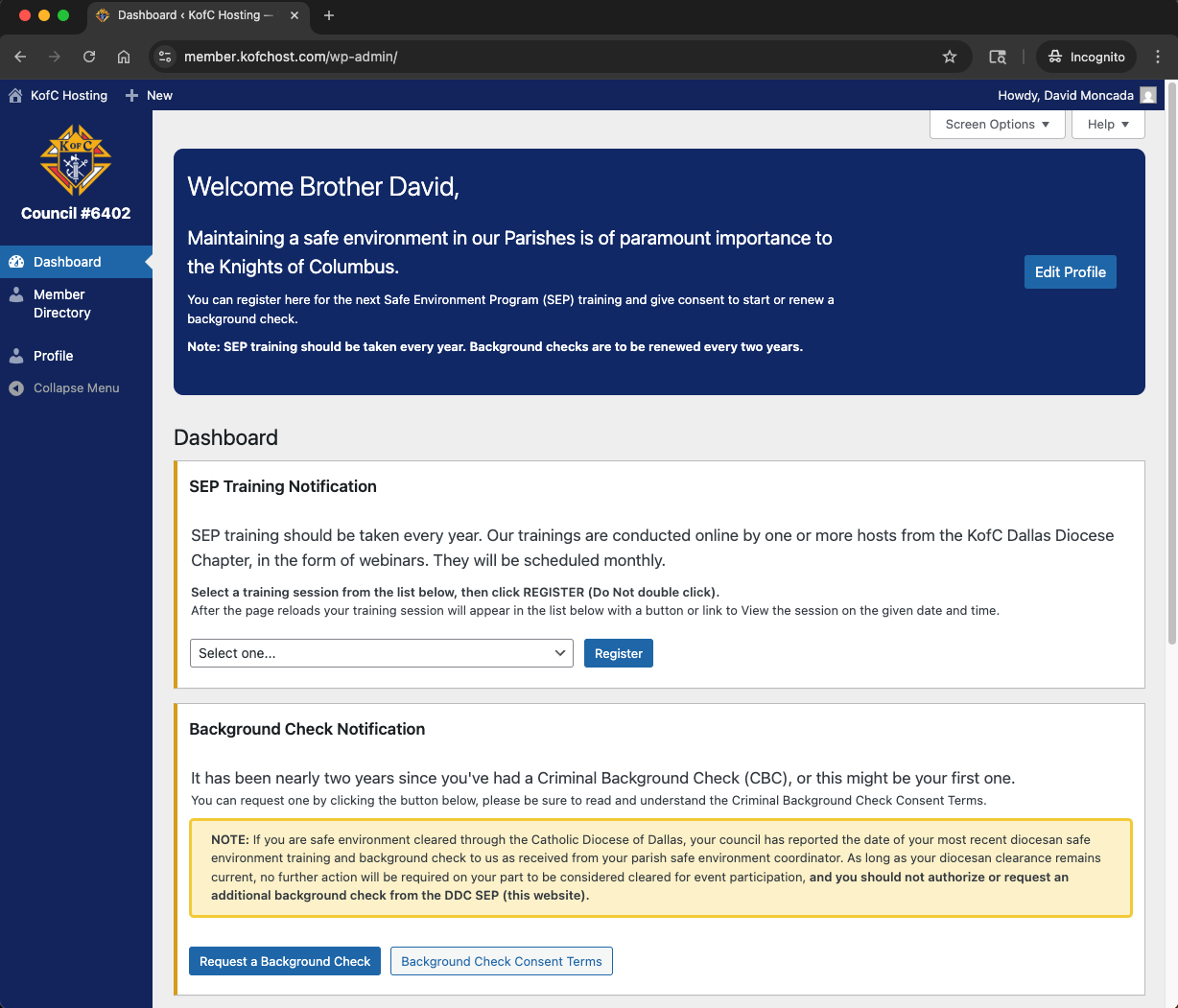
Once logged in, you will see a Welcome message followed by the SEP Training Notification. From the dropdown menu you can select the training session you want to attend and then click Register. Add the date and time to your calendar so you don't forget it. On the night of the session, come back to this page and click on start session button.
If you’re not currently a member of a parish ministry or you have never had a background check, you may click on the "Request a Background Check" (CBC) button to request one. Be sure to read the consent form message. The CBC results will be updated in your record within a couple of days.